



AWS FinOps Agent: The AI That Tells You Who Caused Your Cloud Bill Spike and Why
Every founder who runs on AWS knows the feeling. The monthly bill lands, it is higher than last month, and nobody can say exactly why. The finance team asks engineering, engineering asks the platform team, and three days later someone finds a forgotten test cluster or a logging change that quietly tripled data transfer. By then the money is already spent and the trust between finance and engineering has taken another small dent. AWS has now put an AI agent into public preview that is built to close that gap, and for any business watching its cloud spend it is worth understanding what it actually does.
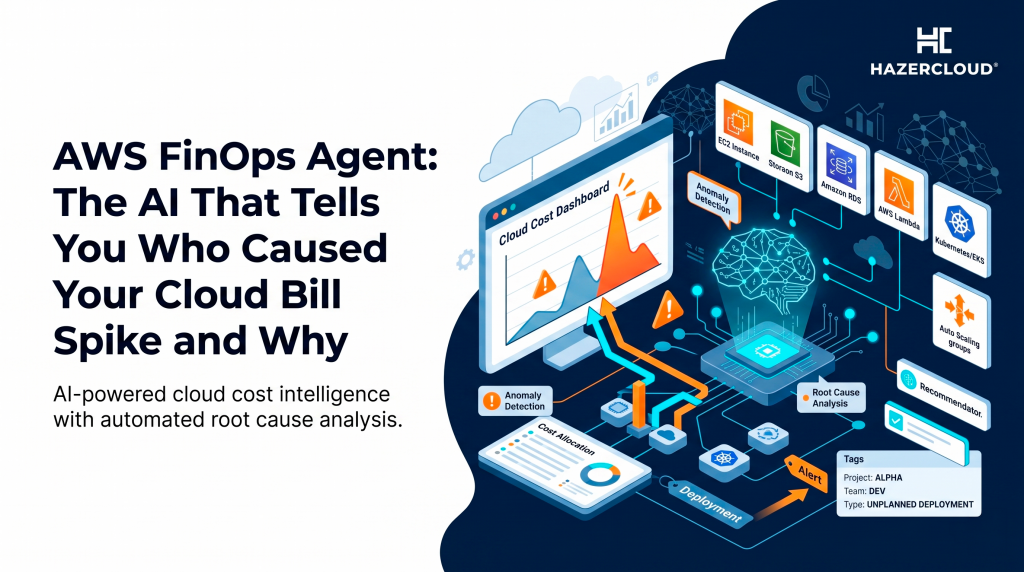
AWS FinOps Agent, announced in public preview in June 2026, is an agentic AI tool that investigates your AWS costs the way a good FinOps analyst would. The short version is this. When your bill moves, the agent correlates the cost change against your CloudTrail records, finds the specific change that drove it, and produces a plain summary naming the likely root cause and the owner responsible. It also answers cost questions in natural language, schedules recurring reports, and turns optimisation recommendations into tickets your engineers can pick up. It does not replace your judgement, but it removes most of the manual digging that makes cost investigations so slow.
Why Cost Investigations Take So Long Today
The reason a cost spike is hard to explain is not that the data is missing. It is that the data is scattered. Cost Explorer tells you spend went up in a service. Cost Anomaly Detection flags that something is off. CloudTrail holds the record of who changed what. Compute Optimizer and Cost Optimization Hub hold the recommendations. None of these talk to each other in a way that gives you a single answer, so a human has to sit in the middle, pull from each source, line up timestamps, and form a story. That work is tedious, it needs someone who knows the account well, and at a scale-up that person is usually already stretched thin.
The cost of that delay is real. A misconfigured auto scaling policy or a debug log left on at full verbosity can burn through thousands of pounds before anyone notices, and the longer it runs the more it costs. For a growing business where cloud is one of the largest controllable line items, shortening the time between a spike happening and someone understanding it is money straight back on the table.
What the FinOps Agent Actually Does
The agent draws on the AWS cost tooling you already have access to, namely Cost Explorer, Cost Anomaly Detection, Cost Optimization Hub, and Compute Optimizer, and stitches their signals together. Its headline trick is correlation with CloudTrail. When a cost anomaly fires, the agent looks at what changed in your environment around that time, identifies the change most likely to have caused the movement, and writes up an investigation report with the probable root cause and the responsible owner. That report can be delivered to Slack or Jira so it lands where your team already works rather than in a dashboard nobody opens.
Beyond investigations, the agent answers natural language questions. An engineer can ask why their service cost more this week and get an answer grounded in the actual cost and usage data, without learning the Cost Explorer interface. It can run recurring reports on a schedule, daily, weekly, or monthly, and render them as presentation ready HTML, PDF, or PowerPoint for finance and leadership. And it pulls rightsizing, idle resource, and Savings Plans recommendations from the optimisation services and summarises them into a Jira ticket, so the suggestion becomes a task rather than a line in a report.
There is one more piece that makes it genuinely useful in a real company. You can feed it organisation context. Account to owner mappings, team definitions, tagging conventions, and review cadences can be uploaded so the agent interprets questions in your own terms. That is the difference between an answer that says an account ID spiked and an answer that says the payments team staging account spiked because of a change one of their engineers shipped on Tuesday.
How the Setup and Access Model Works
Getting the agent reading your data uses a one click IAM role setup that provisions customer managed roles the agent uses to read your cost, usage, and operational data. This matters more than it sounds. The roles are scoped to read your cost and operational telemetry, not to change your infrastructure, so the blast radius is limited to information. For any business that takes least privilege seriously, and you should, it is worth reviewing exactly what those roles can see before you grant them, and treating the agent access the same way you would treat any third party reporting tool that touches billing data.
Because it is in preview, you should also expect the usual preview caveats. Feature coverage will grow, the quality of root cause attribution depends heavily on how clean your tagging and CloudTrail coverage are, and you should treat its conclusions as a strong first draft rather than a verdict. An agent that correlates a spike to a CloudTrail event is giving you a very good lead. Confirming that lead is still a human job.
Where It Helps a Scale-Up and Where It Does Not
The agent earns its place fastest in teams that have outgrown manual cost reviews but cannot justify a dedicated FinOps hire. If your spend is large enough that surprises hurt but your team is small enough that nobody owns cost full time, an agent that does the first pass of every investigation and drafts the recurring reports is buying back hours that your engineers would rather spend on the product. The natural language layer also widens who can ask cost questions, which quietly builds cost awareness across the engineering team rather than leaving it locked inside one finance dashboard.
Where it does not help is if your foundations are weak. The agent is only as good as the data it reads. If your resources are poorly tagged, if multiple teams share untagged accounts, or if CloudTrail is not capturing the changes that matter, the agent will struggle to attribute costs to the right owner and its reports will be vague. The honest takeaway is that this tool rewards the businesses that have already done the boring groundwork of tagging and account hygiene, and it exposes the ones that have not.
What to Do About It
Start by deciding whether your cost data is clean enough to get value from an agent at all. Audit your tagging coverage, confirm CloudTrail is logging across your accounts, and check that your account structure maps cleanly to teams and owners. If it does not, that is the work to do first, because it pays off whether or not you ever turn the agent on. Then, if you want to trial the preview, scope the IAM roles carefully, point the agent at a non critical area first, and compare its root cause findings against an investigation you already understand so you can calibrate how much to trust it. Wire its reports into the Slack or Jira channels your team already uses, because a cost insight nobody sees changes nothing. Treat the early weeks as building confidence in the tool, not handing over the wheel.
If your AWS bill has been climbing and nobody can give you a straight answer about why, that is a sign your cost foundations need work before any agent can help. HAZERCLOUD helps growing UK, US, and European businesses get their AWS spend under control, from tagging and account structure to genuine architectural savings, and we can tell you in plain English where your money is going. Book a free consultation and cost assessment at https://hazercloud.com/contact/ and we will help you turn an unpredictable bill into one you understand.
