



How to Reduce Your AWS Bill Without Changing Your Architecture
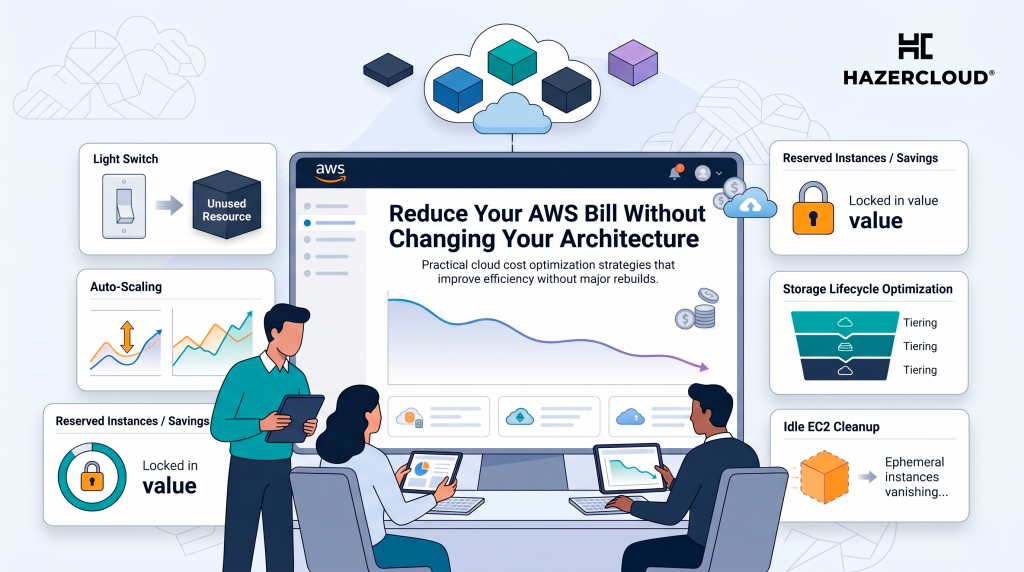
Every month, thousands of business owners open their AWS invoice and wonder how the number got so high. If that sounds familiar, you are not alone and the good news is that most companies can reduce their AWS bill by 20 to 30 percent without re-architecting a single service. The savings are sitting in plain sight, hidden in oversized instances, forgotten resources, and pricing models that nobody has revisited since the account was first set up.
The reason AWS bills creep upward is not usually poor engineering. It is that cloud environments drift over time. Instances sized for a launch-day traffic spike keep running long after that spike passed. Test environments stay online because nobody is sure who owns them. Storage accumulates quietly in the background, month after month. None of these things are architectural problems they are operational ones, and they are surprisingly straightforward to fix.
Right-Size What You Already Have
The single biggest source of wasted AWS spend is compute resources that are larger than they need to be. A company running an m5.xlarge EC2 instance around the clock at 15 percent CPU utilisation is spending over $1,200 a year on capacity it never uses. Multiply that across a dozen instances and you are looking at real money.
AWS Cost Explorer and the newer Cost Optimization Hub both offer right-sizing recommendations based on your actual usage data. The process is simple: review utilisation metrics for your EC2, RDS, and ElastiCache instances, then downsize anything that is consistently running well below capacity. This does not require code changes, downtime migrations, or any rethinking of how your application works. It is closer to turning off lights in rooms nobody is using.
Stop Paying On-Demand Prices for Predictable Workloads
On-demand pricing is the default when you launch an AWS resource, and it is also the most expensive option. If you have workloads that run consistently a production database, an application server that is online 24/7, a baseline compute layer you are leaving money on the table by paying on-demand rates for them.
AWS Savings Plans and Reserved Instances offer discounts of 30 to 60 percent compared to on-demand pricing in exchange for a one- or three-year commitment. The key is matching the right commitment level to workloads you know will be running for the foreseeable future. You do not need to commit your entire account even covering your steady-state baseline with a Savings Plan while keeping burst capacity on-demand can cut your monthly bill significantly. For workloads that can tolerate interruptions, such as batch processing or development environments, Spot Instances take costs down even further, often by 70 to 90 percent.
Find and Remove What Nobody Is Using
Every AWS account of a certain age has orphaned resources: Elastic IP addresses attached to nothing, EBS volumes left behind after instances were terminated, load balancers routing traffic to empty target groups, snapshots from backups that are no longer needed. Each of these carries a small monthly charge, but together they add up.
The frustrating thing is that AWS will happily charge you for resources that are doing absolutely nothing. There is no built-in alert that says, “this load balancer has had zero traffic for 90 days.” You have to go looking for these things, and most teams do not do it regularly. A monthly cleanup sweep checking for unattached volumes, unused Elastic IPs, idle load balancers, and outdated snapshots is one of the simplest habits a business can adopt to keep its AWS spend under control.
Move Data to the Right Storage Tier
Storage costs rise quietly because data only grows. But not all data needs the same performance tier. Files that were accessed daily six months ago may now sit untouched, still stored on high-performance S3 Standard at a premium price.
S3 Intelligent-Tiering can handle this automatically by moving objects between access tiers based on usage patterns, with no retrieval fees when data moves back to frequent access. For data you know is archival old logs, historical records, compliance backups moving it to S3 Glacier or Glacier Deep Archive can reduce storage costs by up to 95 percent. Setting up lifecycle policies takes minutes and the savings compound every month as your data grows.
The Bigger Picture on Cloud Costs
AWS cost optimisation has become a discipline in its own right, and for good reason. As businesses across the UK, US, and Europe move more workloads to the cloud 86 percent of companies are now running on cloud infrastructure the gap between what companies spend and what they need to spend keeps widening. Gartner estimates that organisations waste roughly 30 percent of their cloud budgets, and AWS accounts are no exception.
The challenge for most business owners is not a lack of tools. AWS provides Cost Explorer, Budgets, the Cost Anomaly Detection service, and the Cost Optimization Hub at no extra charge. The challenge is having someone with the time and expertise to use them consistently, interpret the recommendations, and act on them without accidentally affecting performance or availability. Cost optimisation is not a one-time project it is an ongoing practice that pays for itself many times over.
What to Do This Week
Open AWS Cost Explorer and look at you spend over the last three months. Identify your top five most expensive services and check whether utilisation data suggests any of them are oversized. Search your account for unattached EBS volumes, unused Elastic IPs, and idle load balancers if you find any, terminating them is an instant saving. Review whether your steady-state workloads are covered by a Savings Plan or Reserved Instance, and if not, model the potential savings in the AWS Savings Plans recommendation tool. Finally, check your S3 buckets for data that has not been accessed recently and consider enabling Intelligent-Tiering or lifecycle policies.
If you would rather have someone do this for you or if you suspect the savings go deeper than what a quick audit reveals HAZERCLOUD runs thorough AWS cost reviews for businesses across the UK, Europe, and the Middle East. We find the waste, fix the configuration, and put guardrails in place so costs stay under control as your business grows. Get in touch
